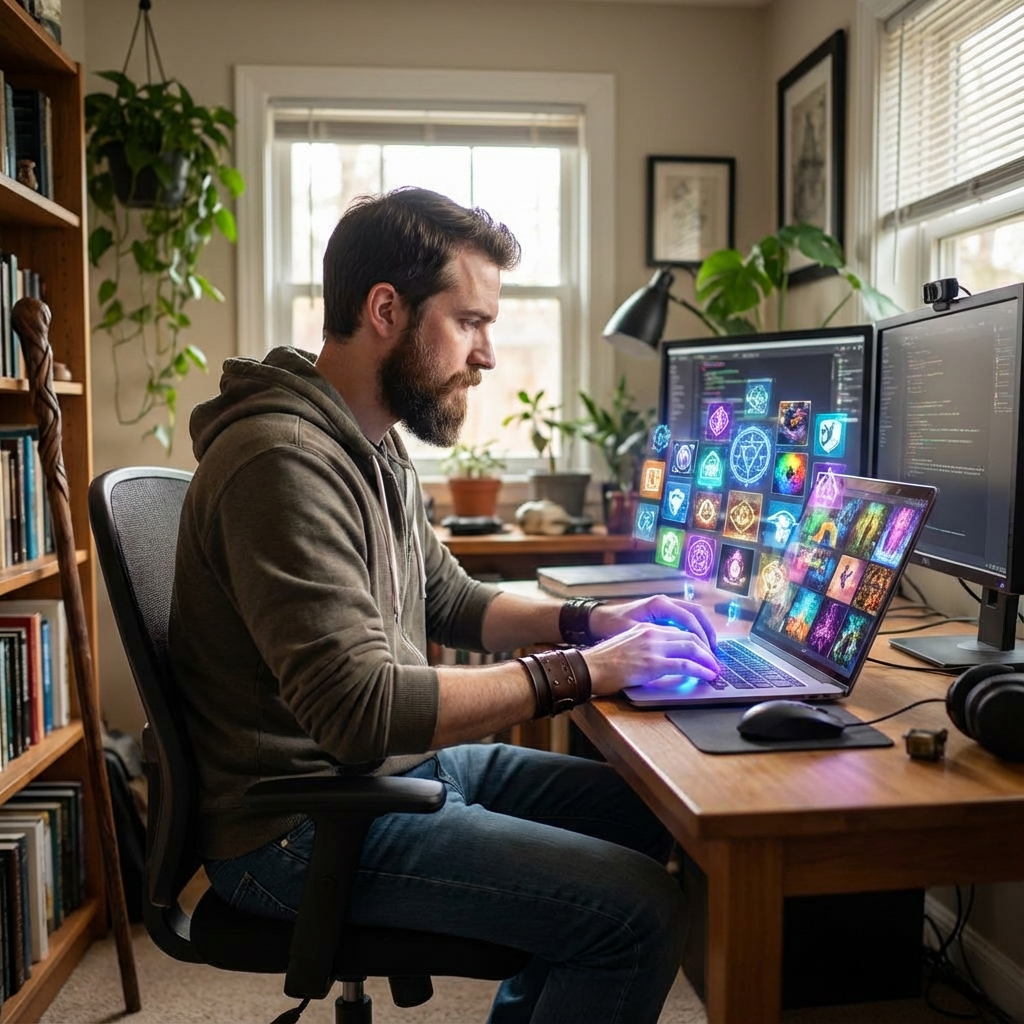
Vision Board Alternatives: The Digital Way to Visualize Your Wishes
For decades, the “Vision Board” has been a staple in the world of personal development. The ritual is almost sacred: gather a stack of glossy magazines, a pair of scissors, a glue stick, and a large piece of poster board. Spend a Sunday afternoon cutting out photos of tropical beaches, luxury cars, toned bodies, and inspirational quotes, then paste them into a collage that hangs on your wall.
While this tactile process has its charm, it also has significant limitations. It’s messy. It’s static. It’s hard to update. And purely from a practical standpoint, finding the exact image of your dream life in a random stack of National Geographic or Vogue is a game of chance. Welcome to the digital age, where visualizing your wishes is faster, cleaner, more private, and infinitely more customizable. In this guide, we will explore the best digital alternatives to the traditional vision board and how they can supercharge your manifestation process.
Why Go Digital? The Case Against Glue Sticks
Before we dive into the tools, let’s understand why a digital shift might be the upgrade your goals need.
1. Accessibility and Portability
A physical board usually lives in one place—your bedroom or home office. But where do you spend most of your time? Likely looking at a screen (phone or laptop). A digital vision board travels with you. Whether you are commuting, standing in line for coffee, or taking a break at work, your goals are just a click away.
2. Privacy
Not everyone wants their deepest desires on display for every guest who walks into their home. “I want to earn 100k” or “I want to find a partner” can be deeply personal. Digital boards are for your eyes only, unless you choose to share them.
3. Dynamic and Editable
Life changes fast. Maybe in January, you wanted a sports car, but by June, you want a reliable SUV for a family road trip. On a physical board, ripping off the old picture ruins the aesthetic. Digitally, it’s a simple delete and replace. Your vision grows as you grow.
Top Digital Alternatives to the Classic Vision Board
| Tool / Platform | Best For | Portability | Action-Orientation |
|---|---|---|---|
| Physical Poster Board | Tactile, bedroom wall focus | Low | Static / Visual |
| Pinterest Boards | Infinite imagery & aesthetic inspiration | High (Mobile/Desktop) | Inspirational |
| Canva Wallpaper | Custom lock screens & collage collages | Very High (Daily exposure) | Subconscious priming |
| Notion Dashboard | Linking vision to daily tasks & habits | High | Execution-focused |
You don’t need expensive software to create a stunning visualization of your future. Here are the best tools, ranging from free to premium.
1. Pinterest: The Infinite Catalog
Pinterest is arguably the original digital vision board. It is a search engine for images, meaning you aren’t limited to what’s in a magazine. You can find the specific model of that watch, the exact interior design style for your living room, or the precise quote that motivates you.
Pro Tip: Don’t just make one giant board called “Life.” Create specific sections: “2025 Travel,” “Dream Home,” “Career Style.” Use the “Secret Board” feature if you want to keep your dreams private.
2. Canva: The Design Powerhouse
If you miss the collage aspect of traditional boards, Canva is your best friend. They offer hundreds of “Vision Board” templates (Search: “Desktop Wallpaper Vision Board” or “Phone Wallpaper Collage”).
The Strategy: Create a design that fits your laptop screen resolution. Import photos that evoke strong emotions. Add text overlays with your S.M.A.R.T. goals. Save it as your desktop background. Now, every time you minimize a window, you are subconsciously reminded of where you are heading.
3. Trello or Notion: The Action-Oriented Vision
For the analytical minds who love logic, Trello and Notion are game-changers. These aren’t just for images; they are for planning.
- Trello: Create a board where each list is a category (Health, Wealth, Love). The “cards” in the lists are your goals. The cover image of the card is your vision photo. When you open the card, you can add checklists, deadlines, and links.
- Notion: Build a “Life Dashboard.” Embed a gallery view database where you can see your goals. The beauty of Notion is you can link a vision image directly to your habit tracker, bridging the gap between wishing and doing.
4. Dedicated Vision Board Apps
There are apps designed specifically for this purpose. Visuapp and Hay House Vision Board allow you to upload photos, add music, and create a slideshow. The “slideshow” feature is powerful—you can set a timer to watch your life goals flash before your eyes for 5 minutes every morning, priming your brain for the day.
How to Create a Digital Vision Board That Actually Works
Dragging and dropping images is easy. Creating a tool that shifts your psychology requires intention. Here is a step-by-step process.
Step 1: Curate High-Vibration Images
Don’t just pick the first image you see on Google Images. Use high-quality stock photo sites like Unsplash, Pexels, or Pixabay. The image needs to spark a visceral emotional reaction. If you want a vacation, don’t just use a generic picture of a plane. Find a POV (Point of View) shot of someone holding a cocktail on the specific beach in Maui you want to visit. POV shots help your brain visualize you in the scene, not just you looking at the scene.
Step 2: The Power of Affirmations
Images are powerful, but words provide direction. Overlay text on your digital board. Use present tense.
- Instead of “I want a new job,” write: “I am thriving in my creative leadership role.”
- Instead of “Healthy body,” write: “I feel energetic and strong in my skin.”
Step 3: Strategic Placement
A digital file sitting in a folder named “Downloads” does nothing. You must force exposure.
- Phone Lock Screen: You look at your phone roughly 80 times a day. That is 80 subconscious reminders of your goal.
- Browser Start Page: Use extensions like “Momentum” or customize Chrome to show your vision board when you open a new tab.
- Digital Photo Frame: Invest in a digital frame for your desk that cycles through your vision images. It acts as a passive reinforcement loop while you work.
The Hybrid Approach: Best of Both Worlds
You don’t have to choose one camp. The “Hybrid Method” involves designing your board digitally (using Canva or Photoshop) to get the perfect layout and aesthetic, and then having it professionally printed.
Print it on high-quality photo paper, canvas, or even metal. This gives you the clean, curated look of a digital design with the tangible presence of a physical object. It’s perfect for the “centerpiece” vision board in your home office.
Frequently Asked Questions (FAQ)
Q: Is a digital vision board as effective as a physical one?
A: Effectiveness depends on engagement. If you look at your phone wallpaper 50 times a day, a digital board is more effective than a physical one you walk past once. The medium matters less than the frequency of exposure.
Q: How many images should I have?
A: Avoid clutter. If you have 50 tiny images on a phone screen, your brain registers it as noise. Focus on 5-7 core images that represent your major pillars for the year (Health, Career, Relationship, Self). “Less is more” applies here.
Q: How often should I update my digital vision board?
A: As often as your desires change. A good rule of thumb is a quarterly review. Check in: “Does this image still make me excited?” If not, swap it out. This keeps the dopamine response fresh.
Q: Can I use video?
A: Yes! This is the unique advantage of digital. “Mind Movies” are short video montages of your goals set to inspiring music. You can make these on TikTok or Instagram Reels having a private account, and watch them every morning.
Conclusion
The essence of a vision board is not the paper or the pixels—it is the clarity. It is the act of claiming what you want from the universe and keeping that desire at the forefront of your mind. Digital alternatives offer a modern, flexible, and highly effective way to do just that.
Whether you choose a carefully curated Pinterest board, a sleek Canva desktop wallpaper, or a Notion dashboard, the goal remains the same: to align your subconscious mind with your conscious desires. So, put down the scissors, open your laptop, and start designing your future today. The only limit is your imagination (and maybe your screen resolution).

I transform ideas into solutions. I write things, help people and like to learn.